Frequently Asked Questions
General

We do our best to ensure your order arrives as quickly as possible. Your product is usually made to order within 3–4 working days. Delivery time then depends on the final carrier, but typically takes an additional 2-3 working days.
Shipping is free.
For more information about payment and delivery, please visit the Shipping and Payment section.
Yes, we have extensive experience with packing and shipping mirrors, and damage during transport is extremely rare. In the unlikely event of damage, a damage report must be completed upon delivery, and we will promptly resolve the situation by sending a replacement.
If you have a discount code, you can apply it in the final step of the checkout process ("Continue to checkout → Order → Do you have a discount voucher?"). After clicking, a field will appear where you can enter your code. The discount will be applied at the end of the order.
Product details
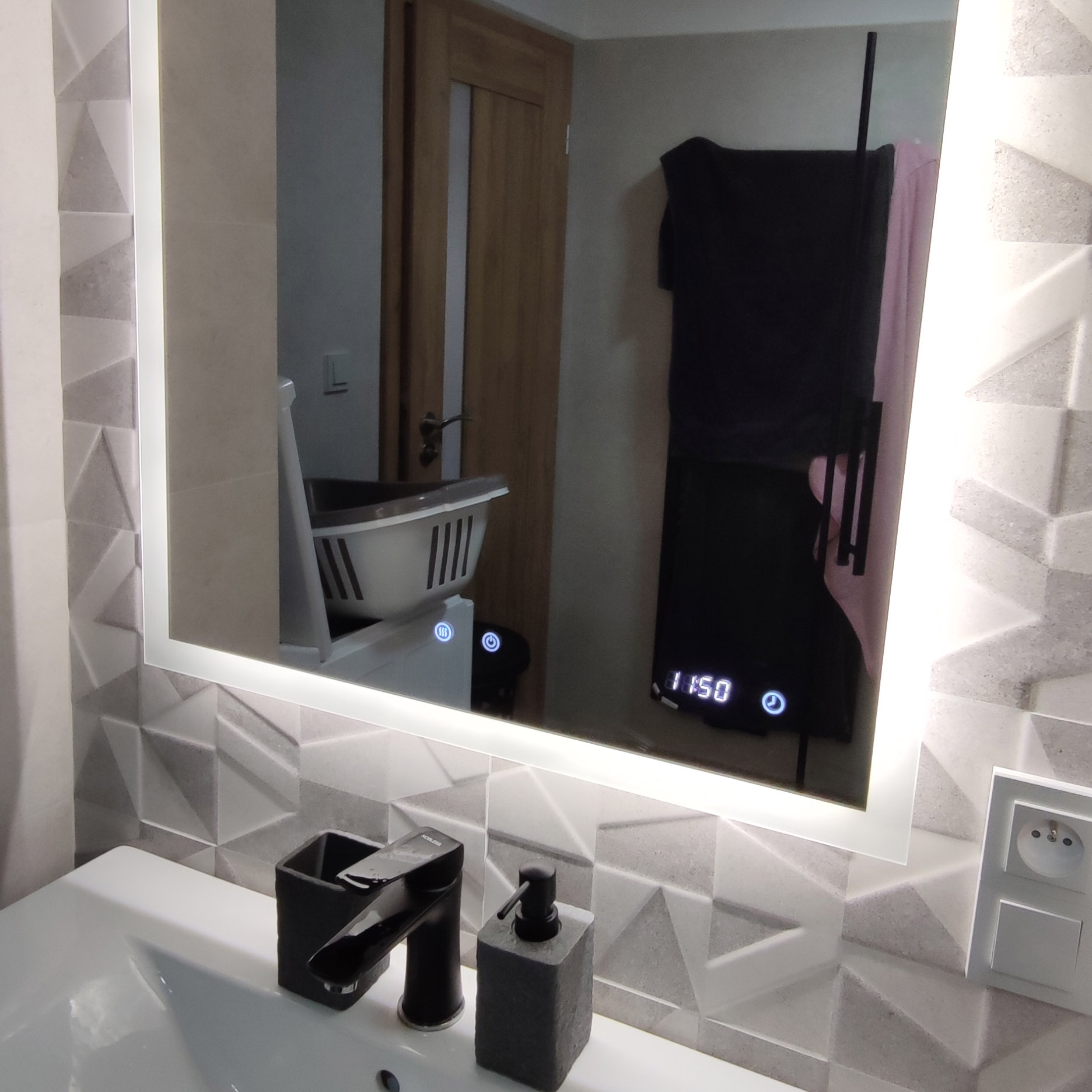
There is a button located directly on the mirror, typically in the center, marked with a symbol of three waves. This button is used to turn the heating on and off.
The defogging starts in the center of the mirror within approximately 2 minutes. The entire surface is usually clear within about 5 minutes. We recommend turning on the heating pad before showering so it can warm up and prevent fogging.
The heating does not have a built-in timer. It must be turned on manually—and also turned off manually.
It depends on your personal preference. If you choose the touch switch, you will still be able to control and adjust the light intensity as needed.
Yes, that is also possible. Please consult this setup with us in advance or mention it in the order notes.
Yes, the mirror always remembers the last setting you selected.
Yes, the mirror lighting is sufficient; however, it is primarily intended for highlighting details and for decorative purposes. We recommend using an additional main light source in the bathroom alongside the LED mirror.
For bathrooms, our customers most commonly choose a cooler light temperature, typically 4000–7000K. For hallways and other living areas, we recommend 3000–4000K.
The mirror is not designed to be plugged directly into a socket. Electrical wires come out of the back of the mirror, which must be connected to the mains wiring from the wall. We strongly recommend having the installation carried out by a qualified professional.
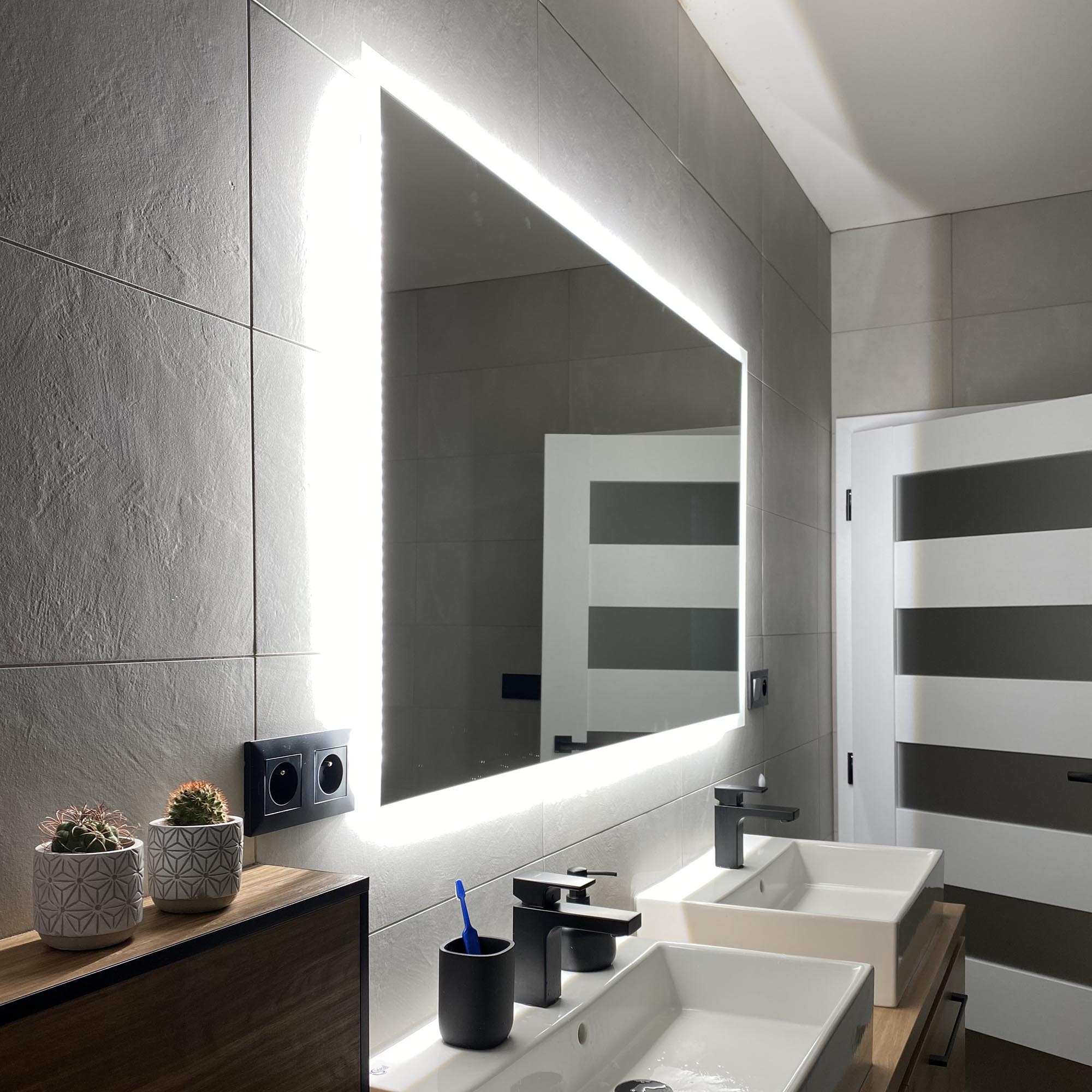
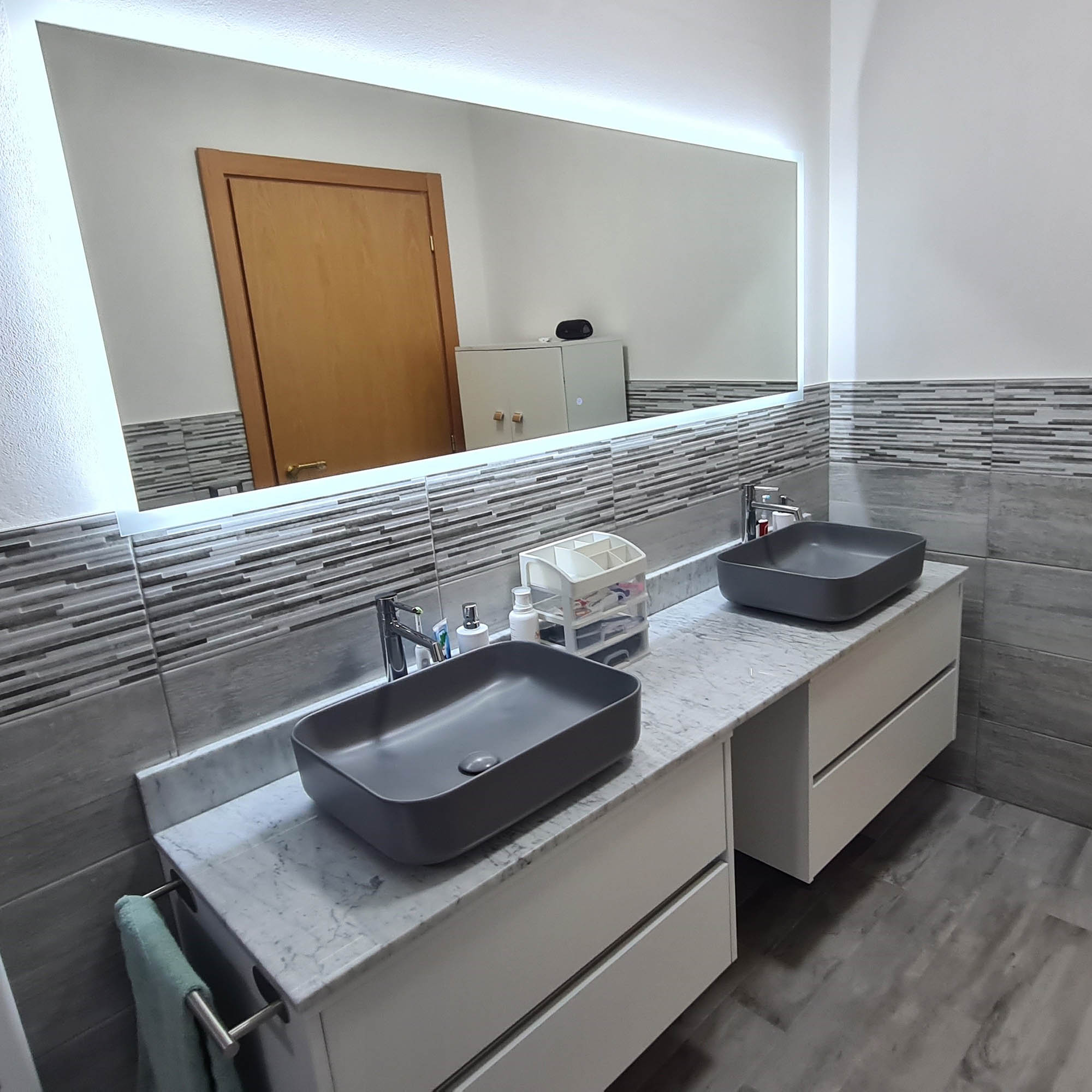
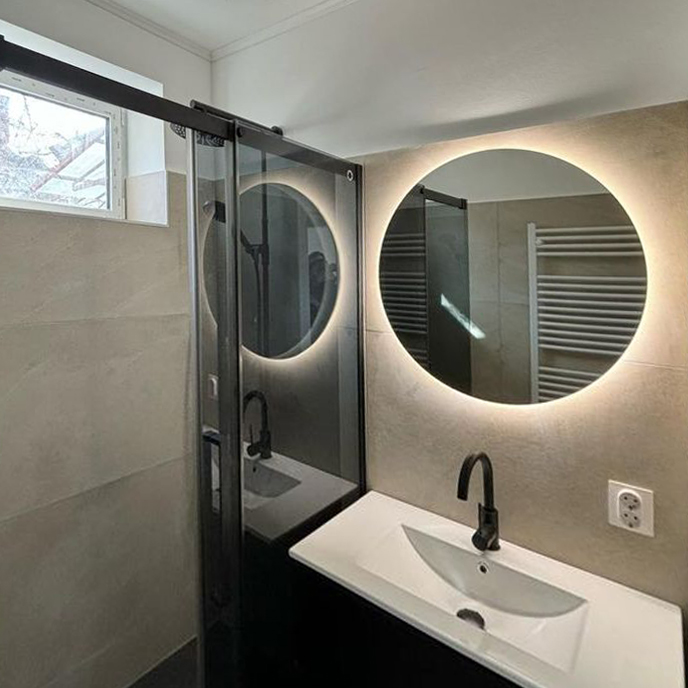
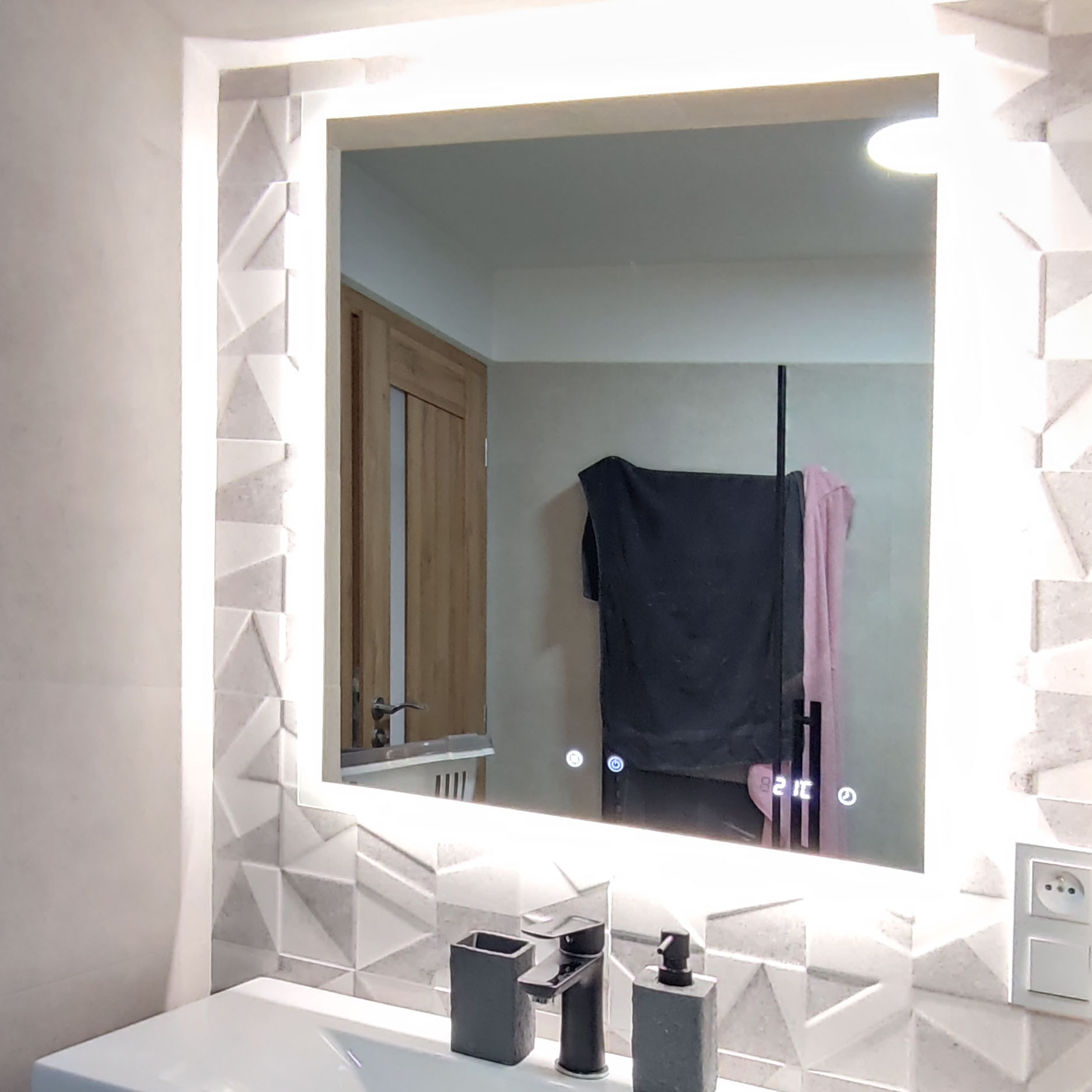
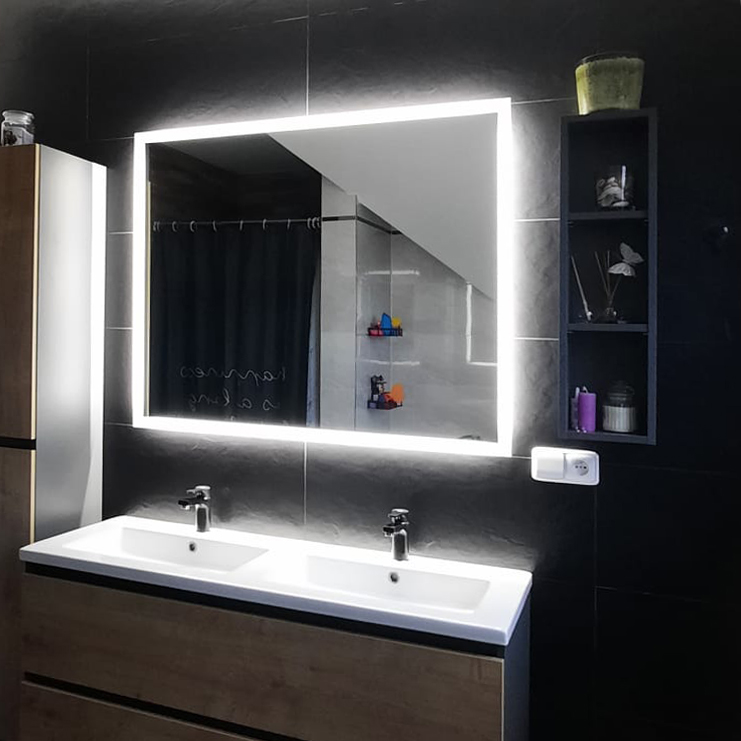
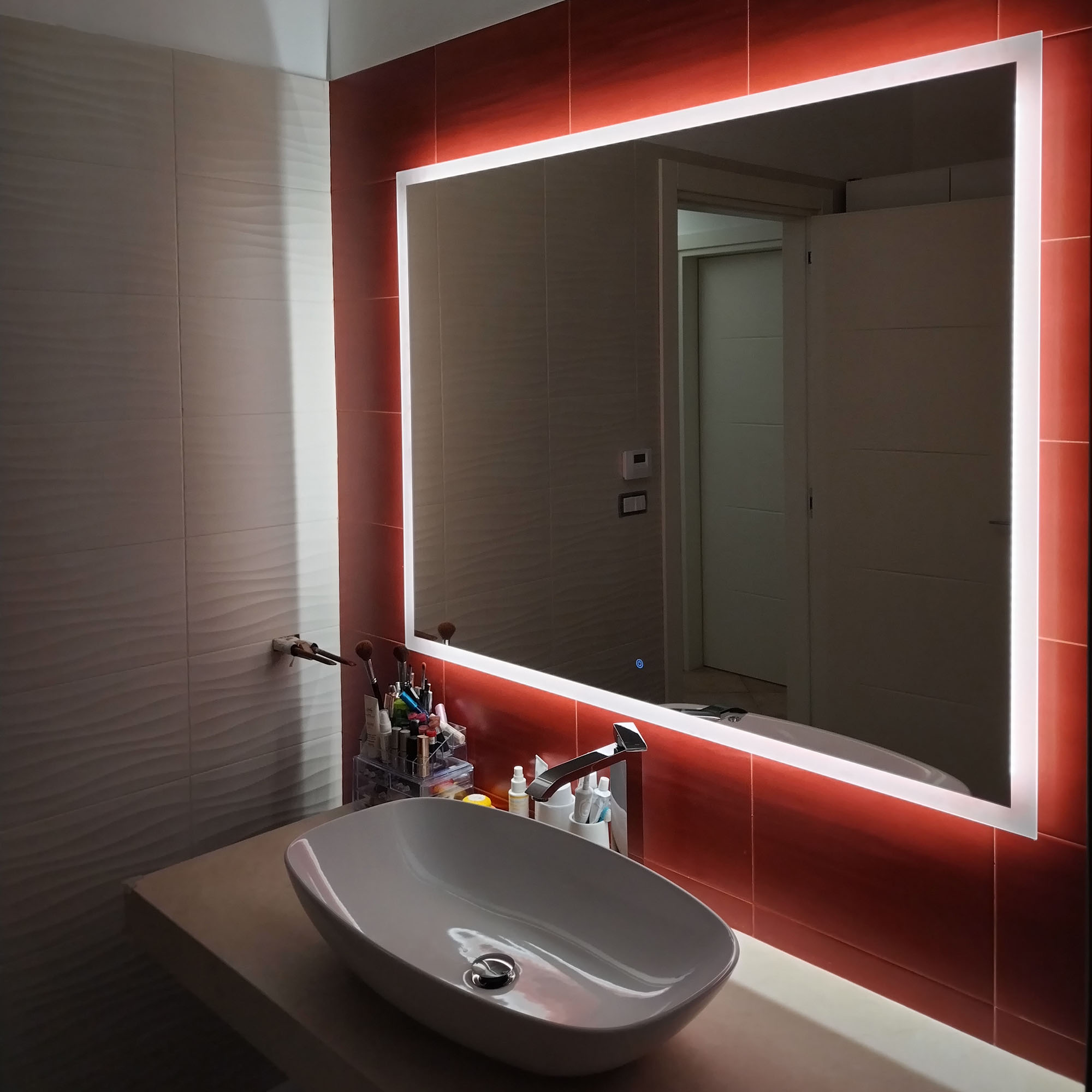
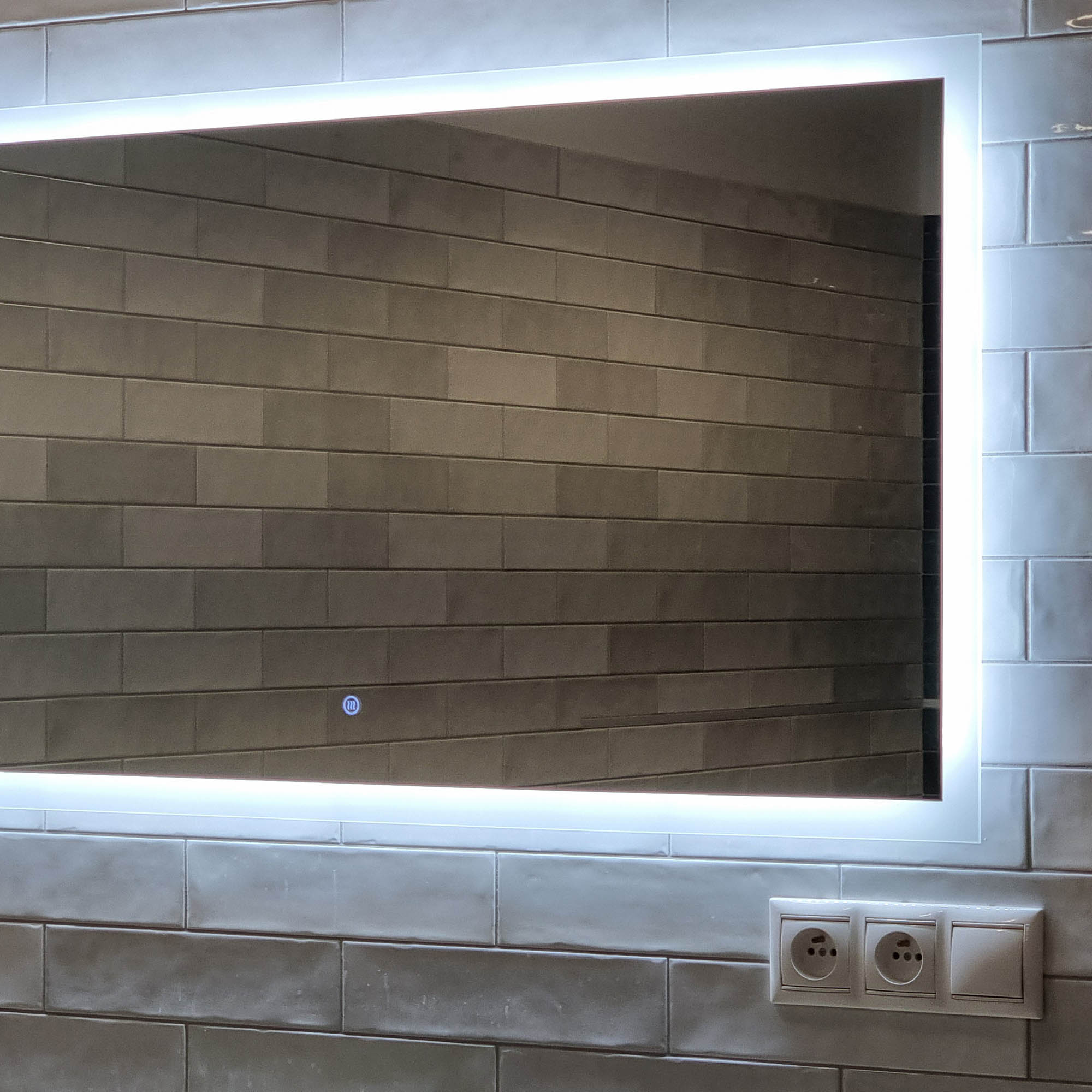
Photos of satisfied customers
Does your bathroom or other interior feature a DARAMIO mirror?
We would love for you to share a photo of the mirror with us. Please send your pictures to: info@daramio.com.
When sharing on social media, don’t forget to use #Daramio or tag us @daramio_com.